Businesses
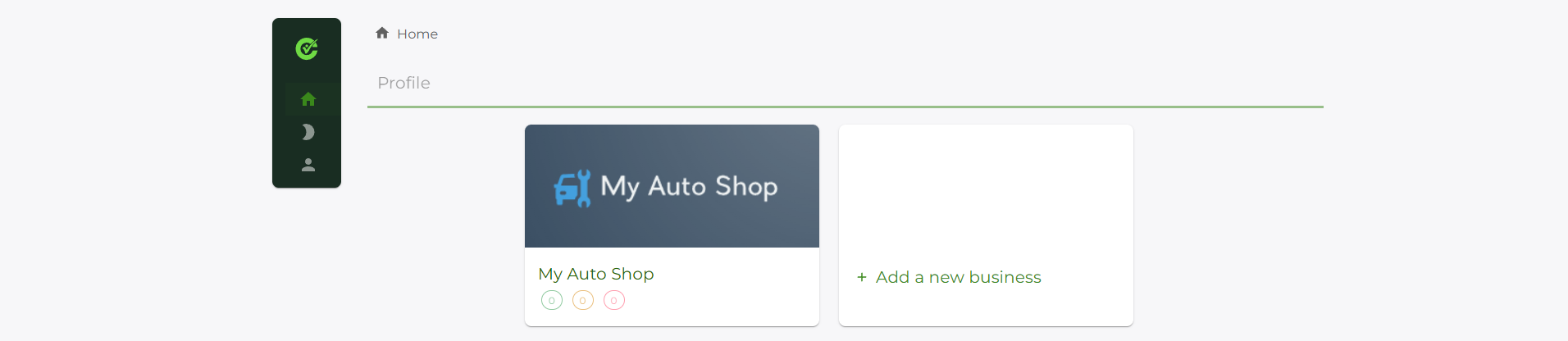
Your business is a root-level management group for all the compliance elements you wish to track.
You may have more than one business whose compliance records you want to manage in the system - you can add as many businesses as you like.
Adding your first business
When you log in for the first time, you will be presented with an empty list of businesses.

Click on the + Add a business button to get started.
Adding the business details
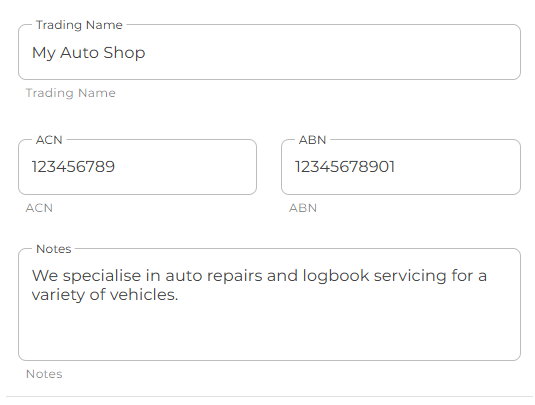
Enter the business details where applicable.
Trading Name (required) - the name of the business.
ACN (optional) - the ACN of the business.
ABN (optional) - the ABN of the business.
Add any additional information you would like to keep track of in the Notes section.
When you are ready to add the item, click the Update button.
Specify the industries associated with your business
By setting the related industries that this business belongs to, the system will be able to provide you with more applicable asset type and compliance type recommendations.
From the drop-down, start typing an industry term or select one of the listed items.
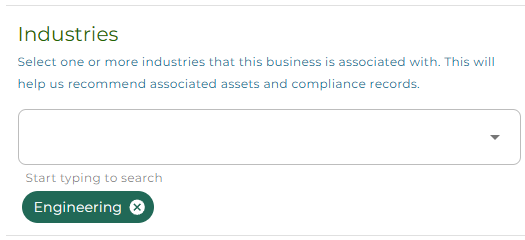
You can remove a tag by clicking on the small X icon in the tag.
Upload a logo for your business
You can set a logo for your business to make it identifiable across multiple businesses. A logo can also be used as a header for any compliance reports you wish to generate through the OurCompliance system.
Use the Upload file button to supply a (compatible) image file from your local machine to use as a business logo.
Use the Remove file button to remove any existing image file you have uploaded.
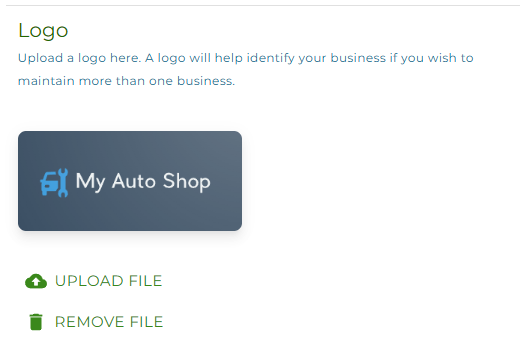
Now, when you return to the home / landing page, your business will be displayed with the associated logo, for easier identification.